 Español
 Pусский
 عربي
عربي  Bahasa Indonesia
Troubleshooting Low Output on Paper Bucket Making Machine
Publish Time:
Author:
Mingguo
Visit: 248

 English

Your MG-GT800 paper bucket machine is running, but the output counter tells a different story. You’re producing 20% fewer buckets per hour than the rated capacity of 80-100 pcs/min. The machine sounds normal. The buckets look fine. But something is slowing you down.
A Paper Bucket Machine that isn‘t hitting its production target is a machine that’s eating into your margins. The good news: most output losses are traceable to four common issues—sensor delays, jam recovery settings, feeding inconsistencies, and mechanical friction.
This guide walks you through each suspect in order, from the most likely to the most overlooked, with practical fixes you can apply without calling a technician.
Photoelectric sensors are the eyes of your paper bucket machine. When they‘re dirty or misaligned, the machine spends more time waiting than producing.
The machine uses photoelectric sensors to detect paper presence, bucket position, and timing signals. Dust from paper fibers accumulates on the sensor lenses over time. A dirty sensor sends intermittent signals—sometimes detecting paper, sometimes not. The machine pauses, waiting for a clear signal, and the cycle time stretches.
Enter the machine’s diagnostic mode and observe the sensor indicator lights. They should flash in sync with the paper feed. If the lights flicker erratically or stay on when no paper is present, the sensor needs attention. The MG-GT800’s control system allows you to monitor sensor status directly from the panel.
Use an alcohol wipe to clean each sensor lens. Paper dust is the primary culprit—a quick wipe restores full sensitivity. After cleaning, run a test cycle and confirm the indicator lights respond correctly. This five-minute fix often restores 5-10% of lost output.
After a paper jam, many machines default to a reduced speed to prevent further issues. But if that “recovery mode” stays active longer than necessary, your output stays low.
When the MG-GT800 detects a jam, it automatically slows down to clear the issue safely. This is a useful safety feature. But some machines remain in slow-recovery mode until manually reset—or until a timer expires. If your output dropped suddenly after a jam and hasn‘t recovered, this is likely the cause.
Look at the control panel for any active speed restrictions—a countdown timer, a “recovery active” indicator, or a speed limit displayed on the screen. The MG-GT800 uses a touchscreen interface for machine control. If you see a restriction, clear the jam fully, then manually reset the machine and restart the production cycle.
After clearing a jam and confirming the machine is clear, perform a full reset. This forces the machine out of recovery mode and back to full production speed. Document any recurring jam patterns—they may point to a separate issue.
The paper blank feeding system is the heartbeat of the machine. If it’s inconsistent, the entire production cycle slows down.
The MG-GT800 uses feed belts to transport paper blanks into the forming station. Over time, belts stretch or wear, reducing their grip on the paper. When the belt slips, the paper feed becomes intermittent—the machine waits for the next blank, and the cycle time increases.
Listen to the machine while it runs. If you hear uneven pauses—a slight hesitation between cycles—the feed belts are likely slipping. The output counter may show inconsistent numbers, jumping irregularly rather than counting steadily.
Adjust the tensioner on the feed belts. If the belts are worn or cracked, replace them with new synchronizing belts. This is a straightforward maintenance task that restores consistent feeding and stabilizes cycle time. The MG-GT800’s design allows for easy access to the feeding mechanism.
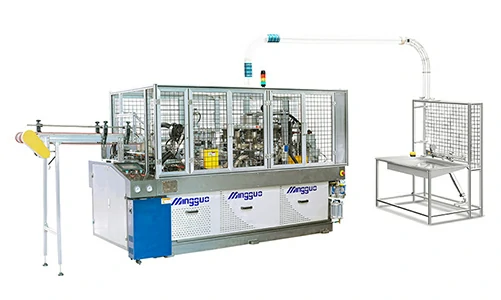
Finished buckets need to clear the machine cleanly. If they don’t, the machine stops—and every stop costs output.
When finished buckets don‘t clear the ejection path, they pile up and trigger a presence sensor. The machine stops, waiting for the operator to clear the stack. If this happens frequently, the “stops” add up to significant lost output over a shift.
Check the discharge conveyor motor for overheating. A hot motor indicates excessive friction or a failing bearing. Check the chain tension—a loose chain slips; a tight chain binds. The MG-GT800’s conveyor system is designed for smooth bucket transfer, but wear and debris can create drag.
Apply food-grade dry lubricant to the slide rails in the ejection path. This reduces friction and ensures buckets slide freely. The MG-GT800 uses paper from 190-500 GSM, and heavier paper can create more friction on the rails. Regular lubrication prevents buildup and keeps the path clear.
Sometimes the machine is fine. The bottleneck is on the other end.
If your operation relies on manual stacking, the operator’s speed becomes the production limit. When the operator can’t clear finished buckets fast enough, the machine waits. The cycle stretches. The output drops—not because the machine is slow, but because the operator is overwhelmed.
Add a buffer conveyor between the machine and the stacking station. This gives the operator a few extra seconds to clear buckets without stopping the machine. Alternatively, adjust the workstation height to reduce operator fatigue and speed up the stacking motion. The MG-GT800 produces 80-100 buckets per minute—at that rate, even a few seconds of delay per cycle adds up to hundreds of lost buckets per shift.
Can inconsistent paper thickness cause output loss?
Yes. Paper that exceeds the specified range of 190-500 GSM can trigger multiple rejections, reducing net output. The MG-GT800 is designed for single and double PE coated paper within this range. If your paper varies significantly, the machine will kick out more rejects, and each reject adds cycle time.
Does running at lower speed damage productivity permanently?
No. But running at reduced speed without addressing the root cause masks the problem. The output loss remains until you find the real issue. Once you correct the underlying cause—sensor, feeding, or recovery—you can return to full speed without permanent damage.
How to monitor output in real time?
Install a production counter and record readings every 15 minutes. The MG-GT800’s control system provides output data directly on the touchscreen. Compare the readings to your target. If you see a consistent drop at the same time each shift, the problem may be operator-related. If the drop is random, look at machine factors.
| Output Symptom | Likely Cause | Check This First |
|---|---|---|
| Output dropped after a jam | Slow recovery mode active | Touchscreen for speed restriction |
| Intermittent pauses, uneven counting | Feed belt slipping | Belt tension and condition |
| Machine stops frequently for “jams” | Sensors dirty | Clean photoelectric sensor lenses |
| Gradual output decline over weeks | Mechanical friction | Lubricate slide rails; check conveyor |
| Output low only on certain shifts | Operator workstation | Buffer conveyor or workstation height |
If you’ve checked all four suspects and output is still low, a software glitch may be the culprit.
Before you reset, record all current parameters—pressure settings, temperature values, and speed limits. The MG-GT800 uses programmable logic control for its automated functions. If you reset without backing up, you’ll lose your custom settings.
Restore the machine to factory defaults using the control panel. After the reset, re-enter your recorded parameters. This clears any corrupted software settings that might be limiting output.
If the reset doesn‘t restore output, and you’ve confirmed all mechanical systems are functioning, it‘s time to bring in a technician. Persistent low output may indicate a deeper issue—worn components, misalignment, or a failing motor.
Low output on a paper bucket machine is rarely a mystery once you know where to look. Start with the sensors—clean them first. Check the recovery mode after a jam. Inspect the feed belts for wear. Lubricate the ejection path. And don’t overlook the operator workstation.
For the MG-GT800, rated at 80-100 pcs/min, even a 10% output loss means 8-10 fewer buckets every minute—hundreds per hour, thousands per shift. The fixes above address the most common causes, and most take less than 15 minutes to implement.
MINGGUO Machinery manufactures the MG-GT800 paper bucket machine for popcorn buckets and other common paper buckets. The machine features a high degree of automation, continuous production capability, and high production efficiency. It handles paper from 190-500 GSM with single or double PE coating, and produces 80-100 buckets per minute. For production teams, understanding the common causes of output loss—and having a systematic way to address them—is the difference between a line that meets targets and one that consistently falls short.
Book a Production Efficiency Audit for Your Line — Reach out to MINGGUO Machinery’s technical team. They can provide remote log analysis, on-site diagnostics, and custom recommendations to restore your paper bucket machine to full production capacity.
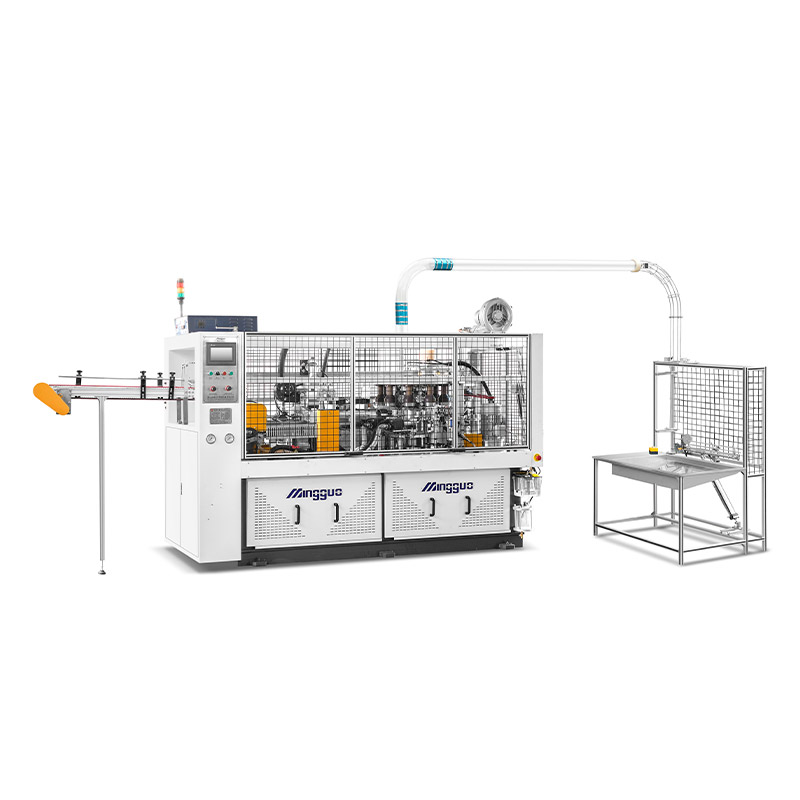
Paper cups specifications:
200 pcs/min
4-16oz(100-450mI) (mold exchangeable)
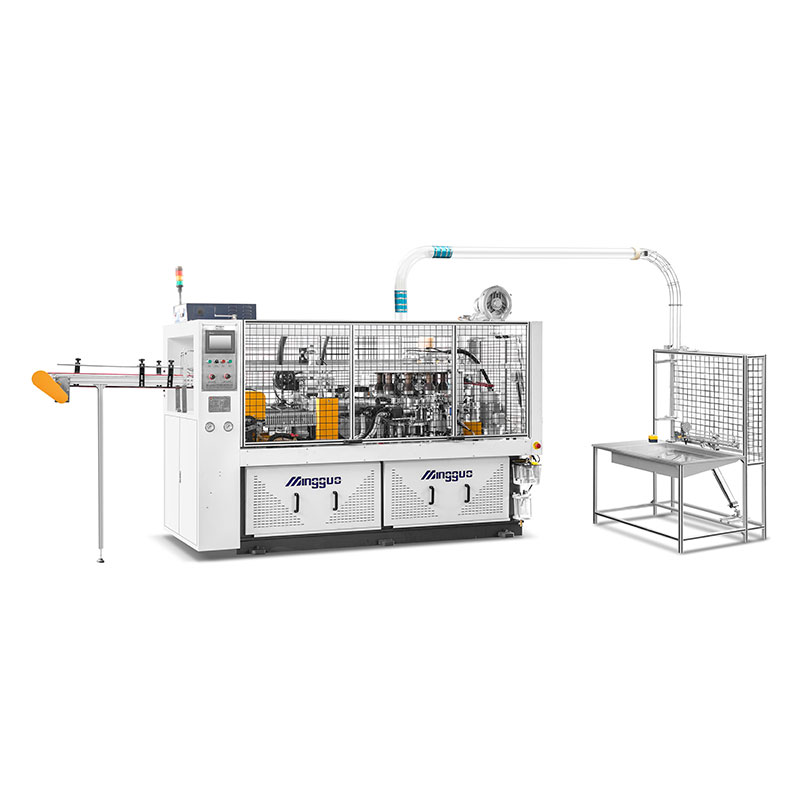
Paper cups specifications:
4-16oz (can be customized by max.26oz)
(100-450ml)(mold exchangeable)
Top:55-105mm
Height:60-135mm
Bottom:55-75mm
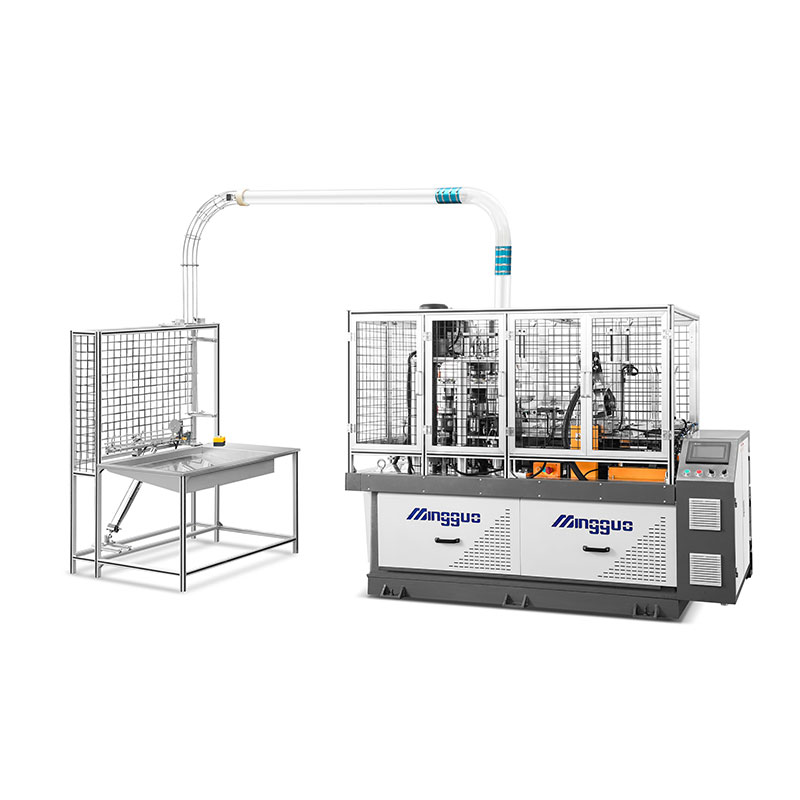
Paper cups specifications:
(100-350ml)(mold exchangeable)
Top: 55-90mm
Height: 60-110mm
Bottom: 40-65mm


